Month end when your clients run several Shopify stores
Nikos Levogiannis
12 Sep 2026 - 05 Mins read
If you keep the books for merchants selling on Shopify, the awkward clients are rarely the big ones. They are the ones with four stores.
One store is a clean process you have already automated. Four stores is the same process done four times, with four sets of exports, four currencies, four payout schedules and one deadline. The work is not difficult. It is repetitive in a way that resists being done once, and that is exactly the kind of work that eats a practice.
This is a practical account of what that close actually involves and where the time goes.
What you actually need out of each store
For a straightforward ecommerce close, per store, per period:
- Orders, with their dates, totals, discounts, shipping and tax. This is your revenue.
- Refunds and returns, separately. Netting them into orders loses you the ability to explain a movement later.
- Transactions or payouts, which is how the money actually arrived, net of fees.
- Taxes, broken down by jurisdiction if the client sells anywhere with a filing obligation.
- Gift cards and store credit, if they use them, because issuing one is not revenue and redeeming one is not a payment.
In the Shopify admin each of those is a separate export from a separate screen. Multiply by four stores and a routine month is twenty-plus files before anyone has opened a spreadsheet.
The part that catches people: payouts never equal order totals
The single most common reconciliation problem is expecting the payout to match the orders, and it never does. Several reasons stack up:
Timing. A payout covers a window that does not line up with your accounting period. Orders placed on the 31st settle in the following month's payout, so the cut-off in the orders export and the cut-off in the payout report are different cut-offs.
Fees. Payouts arrive net of processing fees. The order says 100, the payout says 97.10, and the difference is an expense that has to be recorded rather than quietly lost.
Refunds and chargebacks land in the payout that happens to be open when they occur, not the one that contained the original sale.
Other payment methods. Anything not taken through Shopify's own payment processing — PayPal, a separate gateway, cash on delivery, manual wholesale invoices — never appears in a Shopify payout at all, and has to be reconciled from somewhere else.
None of this is unusual. It just means the reconciliation is genuinely a reconciliation, not a comparison, and it has to be done per store.
Multi-currency, where most of the disagreement lives
If the stores sell in different currencies, decide two things before you start, write them down, and apply them identically every month.
Which rate. The rate on the transaction date, a month-average rate, or a fixed rate set by the client's policy. Any of the three is defensible. Changing between them is not.
Which amount. Shopify records both the presentment currency, what the customer paid in, and the shop currency, what the store is denominated in. Pick one as your source and stay with it.
Most arguments about multi-store numbers turn out to be two people using different rates rather than one of them being wrong. Writing the policy down once removes an entire category of month-end email.
Where the hours actually go
In practice, for a four-store client, the time splits roughly like this:
- Pulling the data. Twenty-odd exports, done by hand, in a browser. Twenty minutes if nothing goes wrong, longer when a filter resets or an export lands in the wrong date range.
- Normalising it. Different stores, same columns, four files per entity to stack. Then the currency conversion.
- Reconciling. The genuinely skilled part, the part your client is actually paying for.
- Doing it all again next month, from scratch.
The first two are the majority of the elapsed time and none of the value. They are also the parts that can stop being manual.
Making it repeatable
The shape of a better process is not complicated:
- Define the extract once. The entities, the columns, the date range, the currency. Not per store — once, for the client.
- Have it cover every store in one file, or one file per store if your working papers expect that, but produced by the same job either way.
- Put it on a schedule so it arrives on the first of the month by email or on your FTP server, without anyone opening an admin.
- Keep refunds, payouts and taxes as separate extracts rather than one merged file, so you can point at the source of any number later.
That turns the first two stages from an hour of clicking into a file that is already waiting for you when you start the close.
What Ecomsolo does here
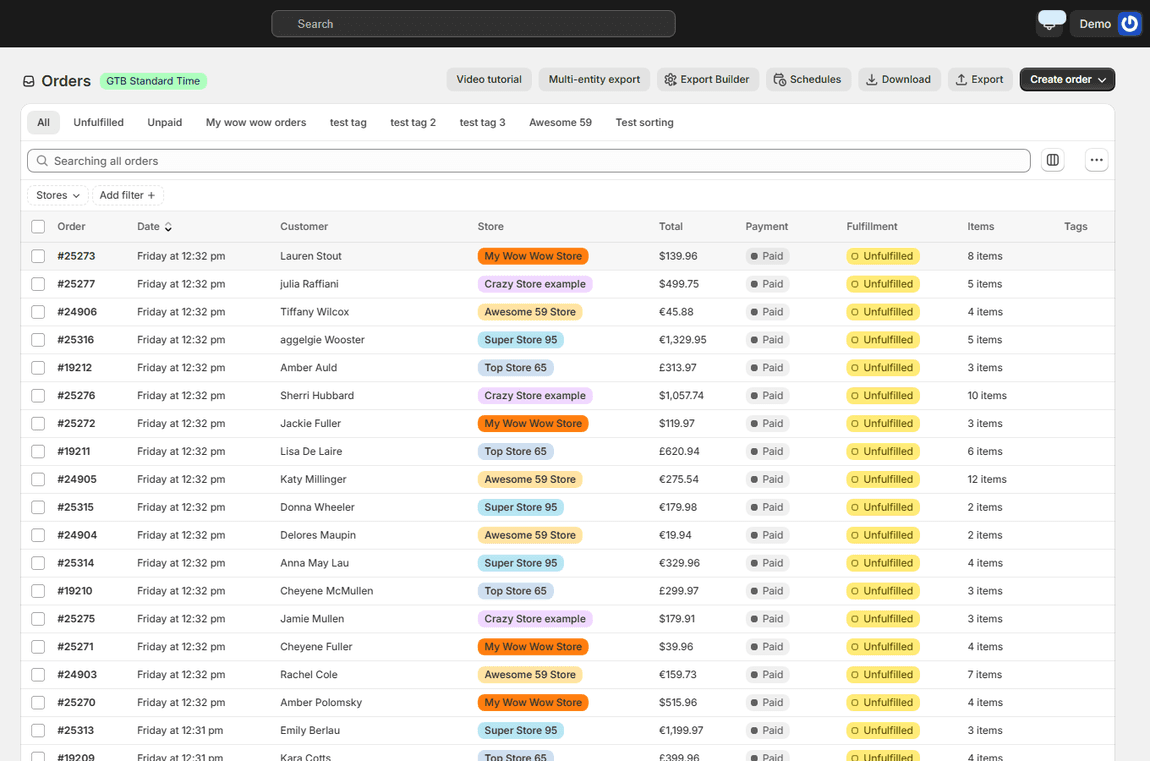
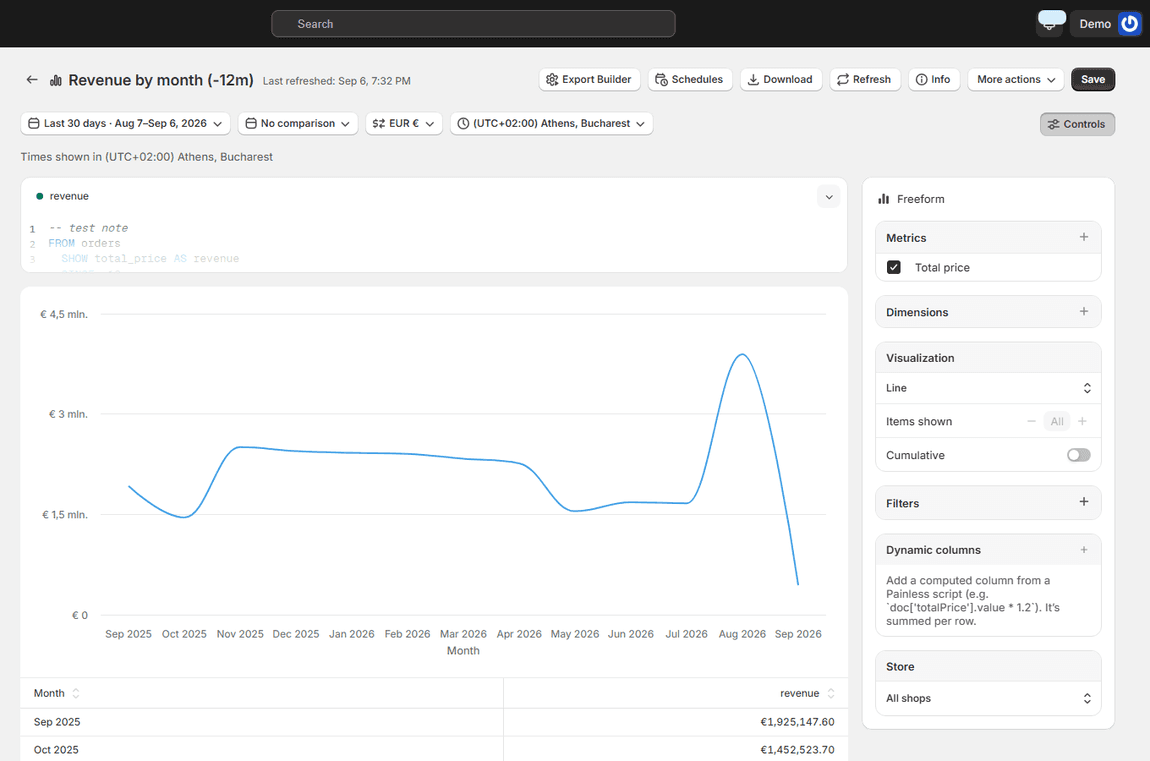
Ecomsolo connects any number of Shopify stores to one account. From there, one export covers all of them — orders, refunds, transactions, taxes, twenty-seven record types in total — as a single CSV or Excel file, converted into one currency, and it can run on a schedule so the file arrives without anyone logging in. Reports run across every store at once rather than one at a time, and there is a query tool for the cases where the standard shapes never quite match your working papers.
It does not do your reconciliation, and it does not replace your accounting system. It removes the twenty exports.
There is a free plan that does not expire, so the honest way to evaluate it is to connect one client's stores and run the extract you would have run by hand.
FAQ
Why does the Shopify payout not match the order total? Because payouts arrive net of processing fees, cover a settlement window that does not align with your accounting period, and absorb refunds and chargebacks when they occur rather than when the original sale happened. The gap is expected; it has to be explained rather than eliminated.
How should I handle multiple currencies at month end? Choose a rate policy — transaction-date, month-average or fixed — and a source amount, either the presentment currency or the shop currency. Write both down and never change them mid-year. Consistency matters more than which option you pick.
Can I export several Shopify stores into one file? Not from the Shopify admin, which exports one store at a time. Combining them means either stacking the files yourself or using a tool that connects to all the stores and produces a single export across them.
What should I pull for a Shopify month-end close? At minimum orders, refunds, transactions or payouts, and taxes, kept as separate extracts so each figure is traceable. Add gift cards if the client issues them, since issuing and redeeming are not revenue and payment respectively.
Is there a way to automate the monthly extract? Yes. Define the entities, columns and date range once and schedule it to deliver by email, FTP or Google Drive on a set day. The pulling and normalising steps are the ones that automate cleanly; reconciliation stays with you.