

A worked example
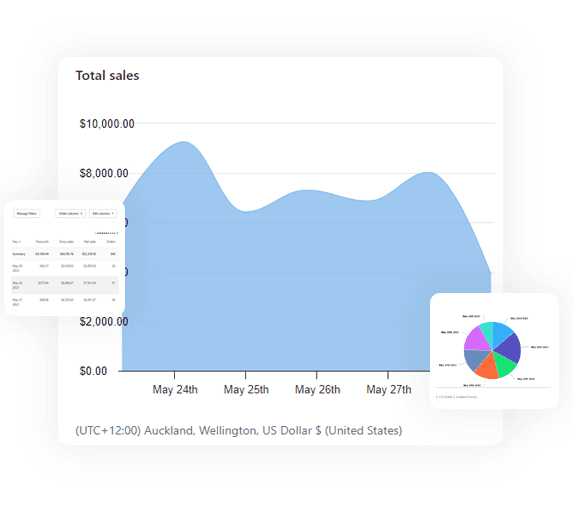
Consolidated sales for the last 30 days, broken out by store, is one line of SoloQL:
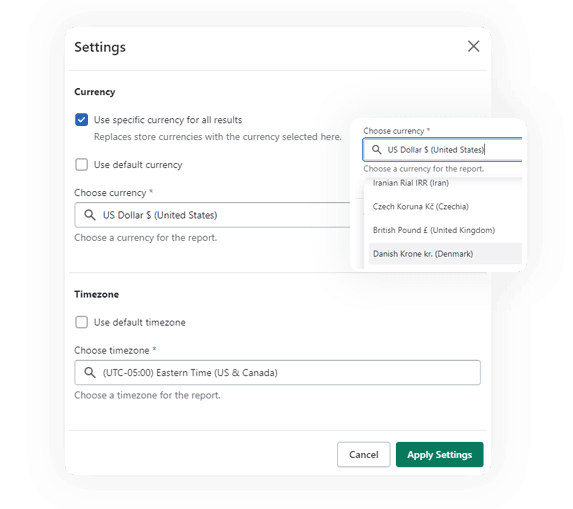
FROM sales SHOW total_sales, orders GROUP BY store SINCE -30d
Send it to the query endpoint with your key and you get one row per store, with money already normalised to a single currency:
curl -X POST https://api.ecomsolo.com/v1/query \
  -H "Authorization: Bearer esk_live_..." \
  -H "Content-Type: application/json" \
  -d '{"query": "FROM sales SHOW total_sales, orders GROUP BY store SINCE -30d"}'
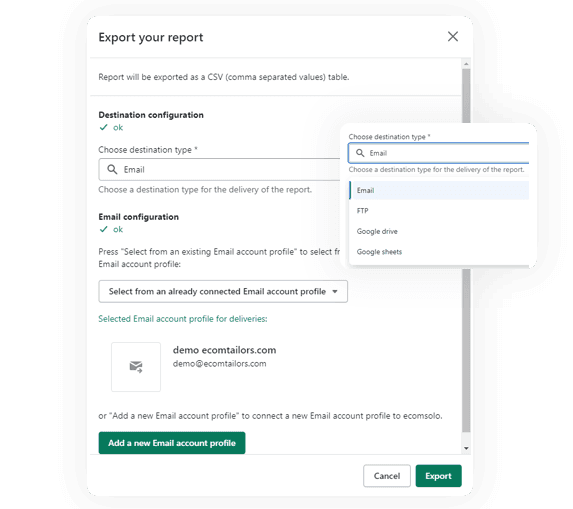
Want the same thing as a spreadsheet instead? Change one header:
-H "Accept: text/csv"
Drop GROUP BY store and the same query returns a single consolidated number
for the whole account. That is the entire mental model.
What you can query
Eleven datasets are live today, and every one of them has a store dimension:
| Dataset | What it covers |
|---|---|
orders | orders across every store, with status, totals and dates |
customers | customer profiles, spend and order counts |
products | your catalogue: titles, types, vendors and status |
inventory | available and on-hand quantities by SKU and location |
sales | sales, discounts, shipping, returns and net figures |
sales_taxes | tax collected, by jurisdiction and by store |
payouts | Shopify Payments payouts, amounts and fees |
discounts | code and automatic discounts, with usage |
gift_cards | issued cards, balances and status |
draft_orders | drafts and invoices, with totals |
abandoned_checkouts | carts that never became orders |
You do not have to take that list on trust: GET /v1/datasets returns the live
catalog of datasets and their fields, so your integration can discover the
schema at runtime.
The whole surface
Four endpoints, all under https://api.ecomsolo.com:
GET /v1/account— who you are, your plan, and your rate limit.GET /v1/stores— every store connected to your account.GET /v1/datasets— the self-describing catalog of datasets and fields.POST /v1/query— run a SoloQL query and get JSON or CSV back.
Plus POST /mcp, the MCP server that lets an AI assistant query
the same data on your behalf.
Authentication is a single bearer token. The account owner creates keys in the
EcomSolo platform under Settings → API keys, and they look like
esk_live_...:
Authorization: Bearer esk_live_...
Flat pricing, and limits that scale
The API is included on the Advanced plan ($29.95/month) and every plan above it. There are no per-call fees and no overage charges, ever — the only thing that changes with your plan is how fast you may ask:
| Plan | Requests per minute |
|---|---|
| Advanced | 30 |
| Business | 60 |
| Business 200K | 90 |
| Business 300K | 120 |
| Unlimited | 180 |
Who it is for
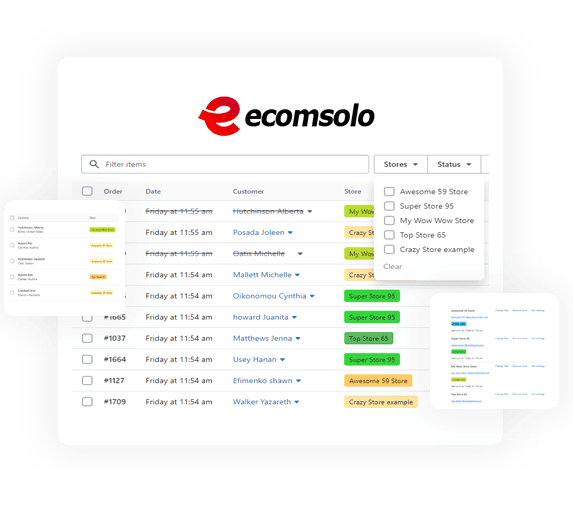
Agencies and multi-store merchants. If you report on a portfolio of shops, this replaces the weekly ritual of exporting each store, converting currencies, and pasting the lot into one workbook. One query, every client shop, comparable numbers. If you would rather do that in a dashboard than in code, the same data powers one dashboard for all your Shopify stores.
BI, warehouses and spreadsheets. Point your ETL job at POST /v1/query,
ask for text/csv, and load the result. Because the aggregation happens
EcomSolo-side, you are moving summary rows rather than replicating every store's
raw tables just to compute a total.
Ops automation. A morning pull into Slack, a stock-level check across stores, a payout reconciliation, a finance figure your accountant asks for every month — anything that used to be a human opening five admin tabs is now a scheduled script.
Ask your data questions in plain language
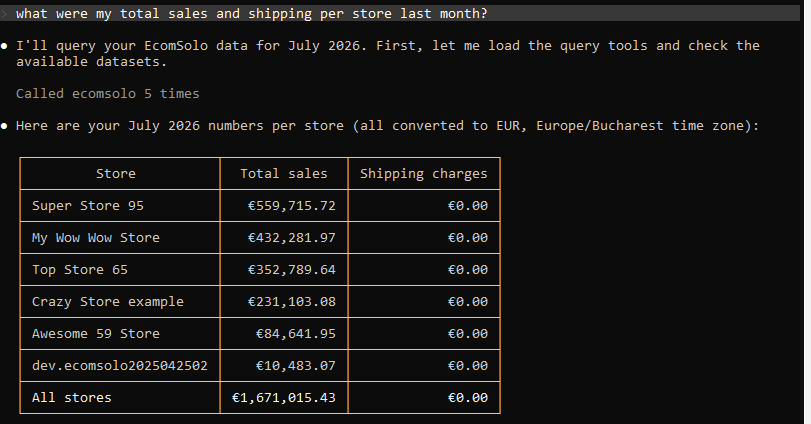
The same API powers an MCP server, so you can connect Claude straight to your account and ask:
What were my total sales and shipping per store last month?
The assistant queries your real numbers across every connected store — no copying figures into a chat window, and no guessing. It uses the same API key, the same permissions and the same limits, and it is strictly read-only.
Start here
The documentation walks through creating a key, your first request, the SoloQL query language, the dataset catalog, rate limits, the full endpoint reference, copy-paste recipes, and the MCP server for AI assistants.
Read the docs See pricingCommon questions
Does one API key cover all my stores? Yes. A key belongs to your account, and a single query returns data across every store connected to it, converted to one currency.
Is the API included in my plan? Yes, on the plans that support it — there are no per-call fees. See pricing for which plans include API access and their rate limits.
Can I connect an AI assistant? Yes — Ecomsolo speaks MCP, so an assistant can query your data in plain language. See the MCP guide.
See all frequently asked questions
Conclusion
Your data should not be trapped behind one dashboard per store. One key, one query, every shop — and no per-call bill for asking.
Nikos Levo